PNP Online Registration Police Clearance In 2026
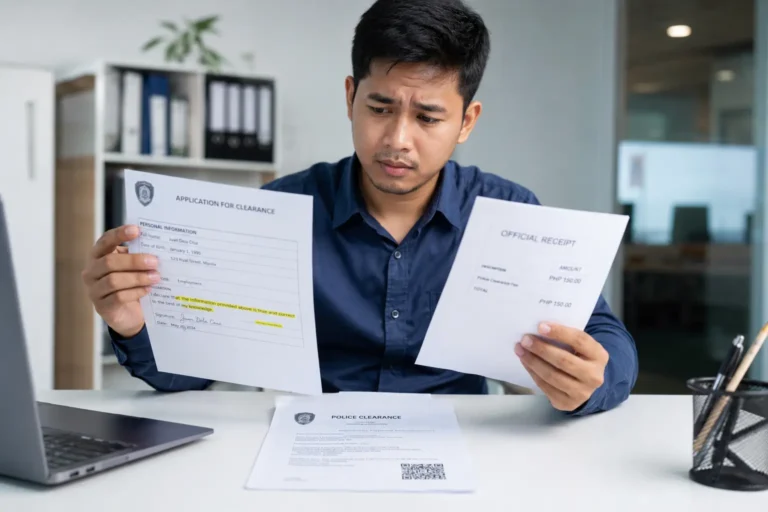
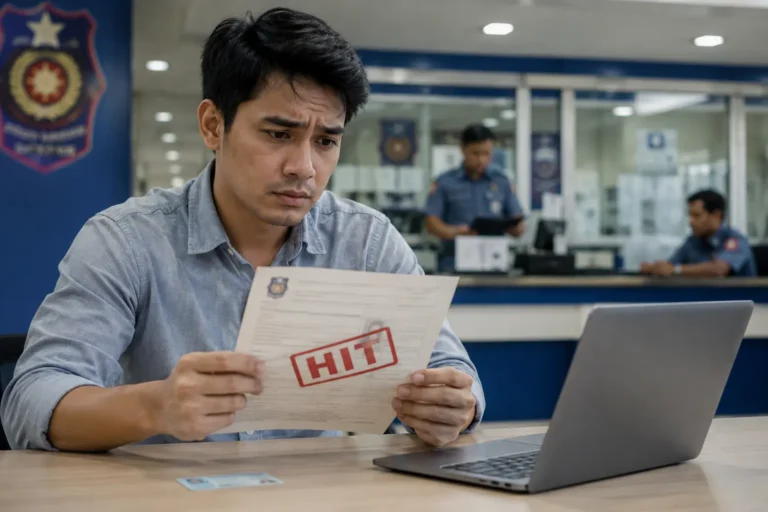
PNP Online Registration police clearance is the crucial step for obtaining your clearance certificate. Understanding the correct way to add the information during registration can save you from unnecessary steps and prevent delays in your application. A simple typo during registration can cause the “Hit” status and can delay the clearance process. In this guide, we will help you discover the correct way of registration with the Philippines National Police Clearance system to avoid common mistakes.
What is PNP Online Registration?
PNP Clearance online Registration is the first step you take while obtaining the clearance certificate. This includes creating your account with the PNP Clearance website, where you will provide the personal information, verify your email and phone number, and create login credentials.
Registering with PNP is critical because making any mistakes during the registration can directly affect the clearance certification.
Step-by-Step PNP Online Registration Police Clearance
Follow the steps below to register for the PNP Clearance.
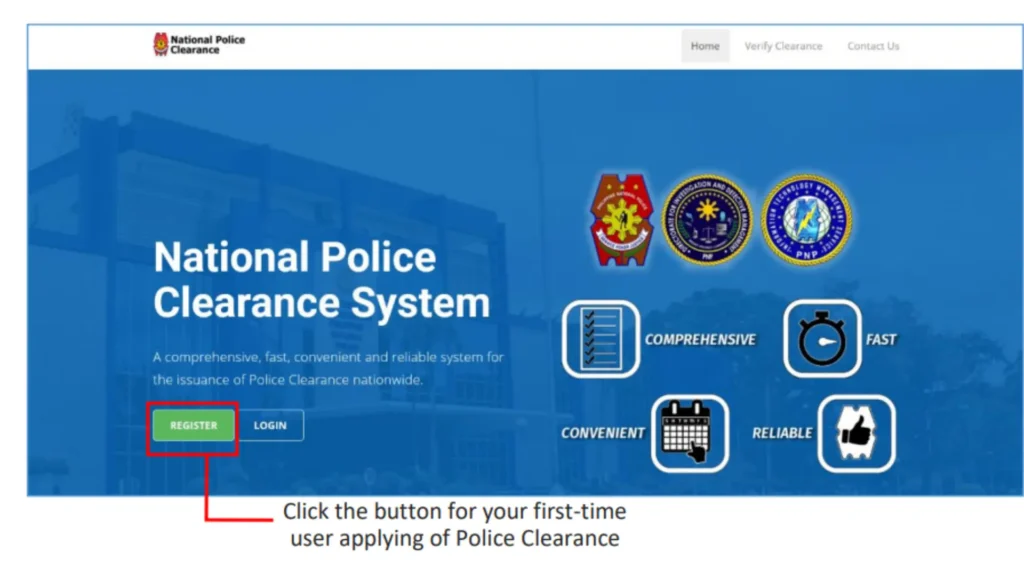
Visit the official PNP Website with the “.ph” domain. Avoid going to a website with “.com”. You can also click the button below to visit the official website.
For the first-time user, click on the register button.
Before you proceed, PNP requires you to agree to the terms and conditions. Read the terms and conditions carefully before proceeding to the next page.
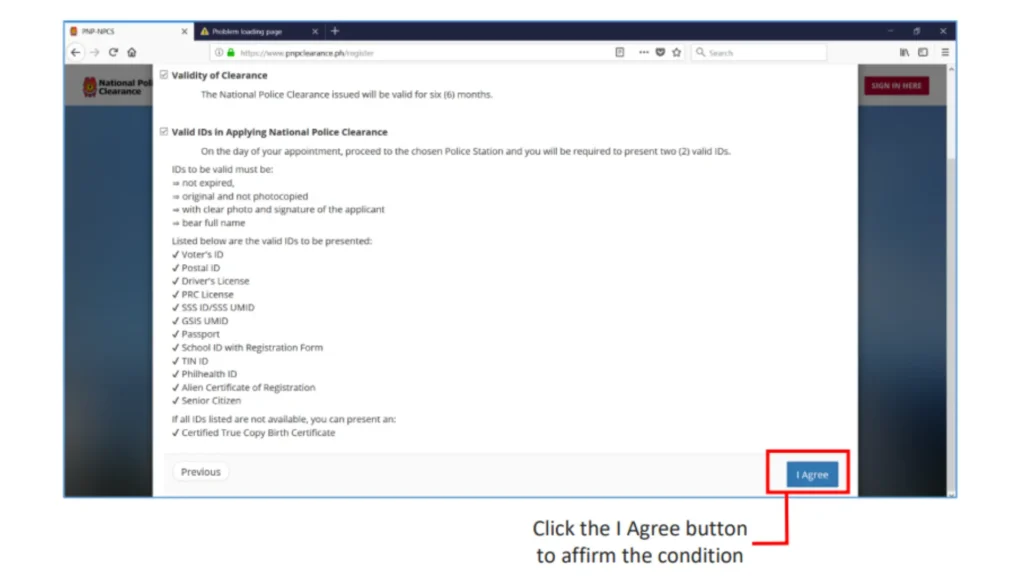
Click each checkbox and click on the next page.
Once completed, click on “I Agree” to affirm the condition and continue.
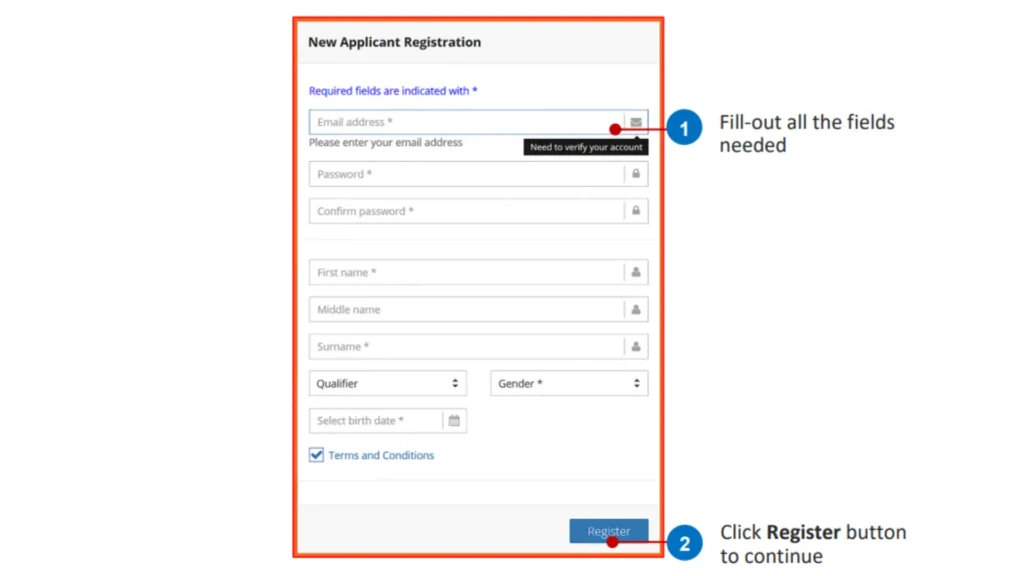
A Registration form will be open. Fill out the required information correctly. Use your active email and phone number for registration.
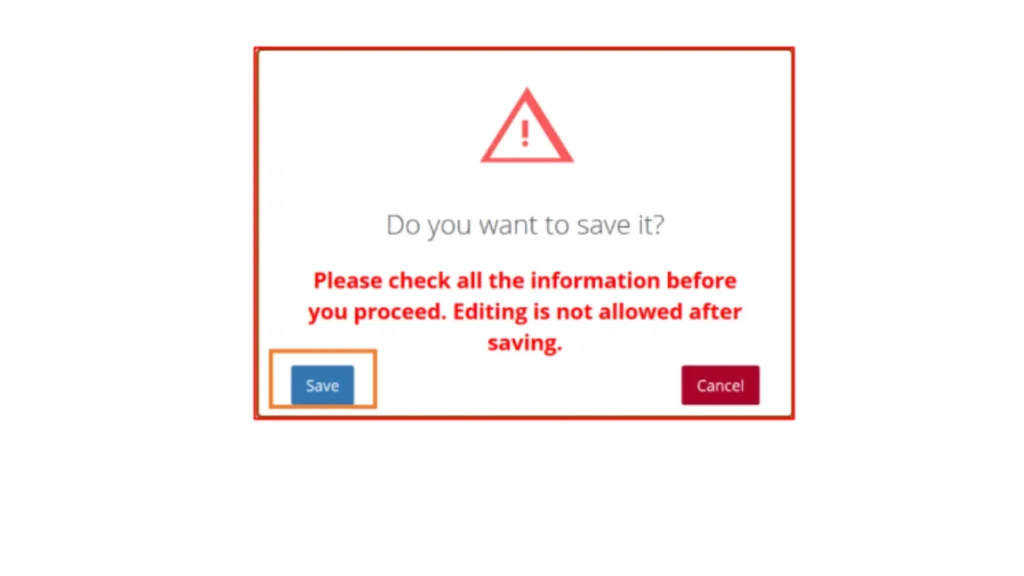
Review the information you have added, like spelling, and use the registered name as per your ID. You will be representing at the police station. A confirmation message will appear on your screen.
Click save if the information is correct. Click cancel if you want to correct any misspelled information.
Note: Editing is not allowed after saving. Make sure that the name spelling and information added are correct.
Requirements for PNP Online Registration
Before you start your application, you will need to do the following:
Technical Requirements
- Internet Connection: Stable connection (mobile data or WiFi)
- Device: Computer, laptop, tablet, or smartphone
- Browser: Chrome, Firefox, Safari, or Edge (latest versions recommended)
- Email Address: Active email account that you can access
- Mobile Number: Active Philippine mobile number for SMS notifications
Personal Information
- Complete legal name (exactly as it appears on your birth certificate and IDs)
- Date of birth
- Place of birth (city/municipality and province)
- Complete residential address
- Civil status
- Contact information (email and phone)
Valid ID
While you didn’t need to upload the ID for the registration, you should have your ID to check that your name spelling exactly matches as per the ID.
Common Registration Mistakes to Avoid
For a smooth Clearance application process, avoid making these mistakes.
1. Using a nickname and a short name.
People often register with a nickname or shorten their name. Make sure to register with the legal name with the same spelling as per your ID. Name mismatch can cause clearance rejection.
2. Typing Middle Initial.
Avoid writing on the middle initial letter; write the full name only. Writing the initial instead of the full name can cause a hit status and can delay the process.
3. Wrong Birthday.
Make sure you enter the correct birthday as per your ID. Entering an incorrect birthday will require further verification.
4. Incomplete address.
Clearance can be considered invalid if you provide an incomplete or wrong residential address. You must provide your current address at the time of processing.
5. Incorrect email.
If you provide the incorrect email address, you will not receive the verification code and cannot complete the PNP online registration police clearance.
What’s next after the PNP Online Registration
Once you have registered and your account is verified. Log in to your account, fill in the remaining details, and complete your profile. Schedule your appointment for the clearance certificate. You can check our guide on how you can get a Philippines national police online clearance appointment. Make the payment and attend the police station for a clearance certificate. Your account is now permanently active and can be used for future clearance applications.
Conclusion
PNP online registration the right way can save you from unnecessary stress, delays, and repeated visits. It may seem like a simple process, but even small mistakes can lead to bigger issues later. By carefully entering your details and double-checking everything before submission, you set yourself up for a smooth and hassle-free clearance process. Take your time, stay accurate, and you’ll get your clearance without complications.